
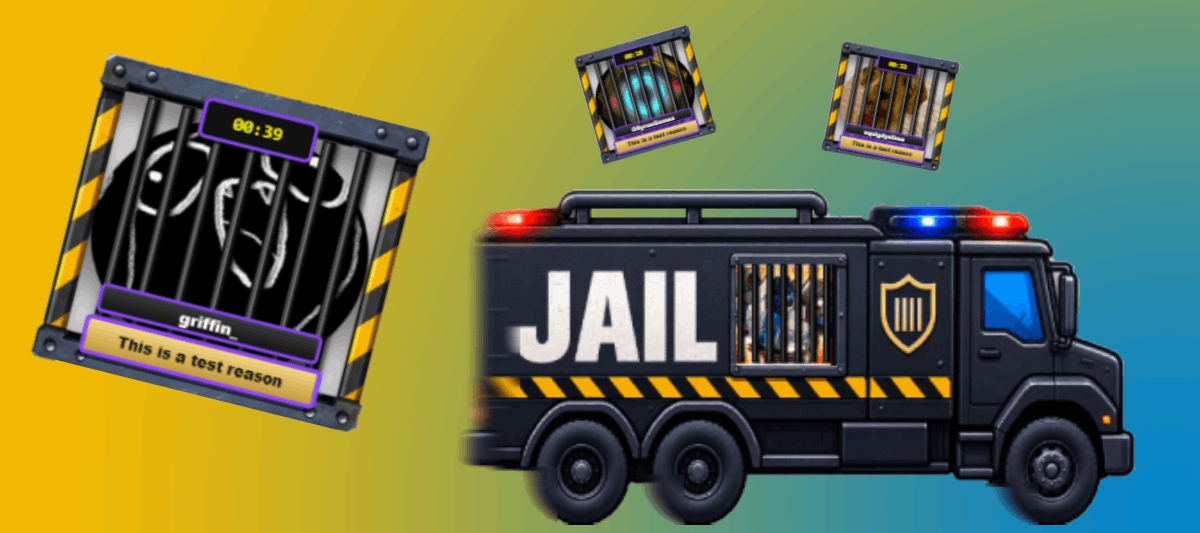
FFN - FREE FOR NOW
RTS Ban/Timeout Widget
Turn moderation into an event with a cinematic ban animation, independent timeout cells, configurable positioning, sizing, messages, and a proper event queue.
View extension ->v1.0.2 / released
The Road to Somewhere builds tools for streamers who want to provide visual responses to events that happen on their streams, and content to engage their viewers.
The Road to Somewhere is a collection of tools designed to help you **REACT** to **EVENTS** and **INTERACTIONS** from your **AUDIENCE** and streaming **PLATFORMS** to help make your stream more **ENGAGING**.
Each project is designed as a complete experience: polished visuals, useful configuration, clear documentation, and sensible installation.
Built to be installed easily, configured clearly, and seen on stream. We thoroughly test our extensions before releasing them and provide documentation on the extensions page. If, however, something does not work as expected or you have a question, jump in on the RTS [[link:https://discord.gg/3hSTfz32HT|RTS Discord]] and ask away.\n\nWhat you won't find here are things like: Chat widgets, Ad Timers, Goal Bars, Subathon Managers; there are plenty of these already available from other creators.
Turn moderation into an event with a cinematic ban animation, independent timeout cells, configurable positioning, sizing, messages, and a proper event queue.
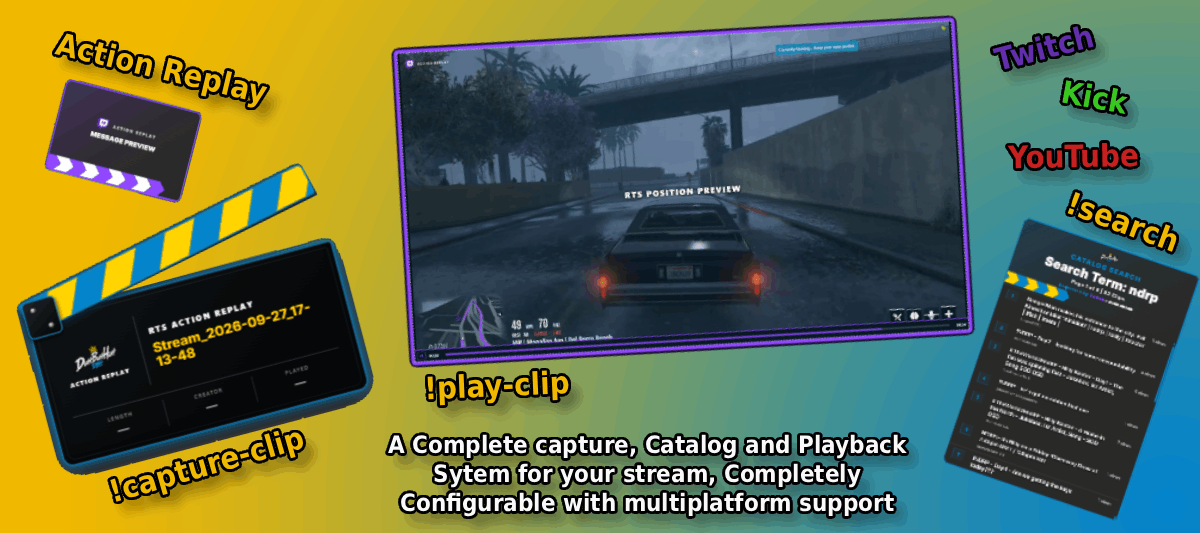
Capture [[blue:OBS Replay Buffer]] clips and play them through a [[blue:Streamer.bot]] controlled browser overlay.\nA complete clip management system with a [[blue:fully featured catalog]], search, ratings and playlists. Capture and play clips from [[blue:OBS]], [[purple:Twitch]], [[red:YouTube]] and [[green:Kick]] platforms.\n manage your clip library, and control playback directly from chat with over [[blue:39 commands]] across all supported platforms. The Settings interface provides control over [[blue:colours]], [[blue:layout]], [[blue:behaviour]] of playback, playlists, messages and presentation. Using the [[yellow:RTS Position Editor]], you can position and animate the [[blue:Player]], [[blue:Panels]] and [[blue:Messages]] anywhere on your overlay.
Core components used by The Road to Somewhere extensions.
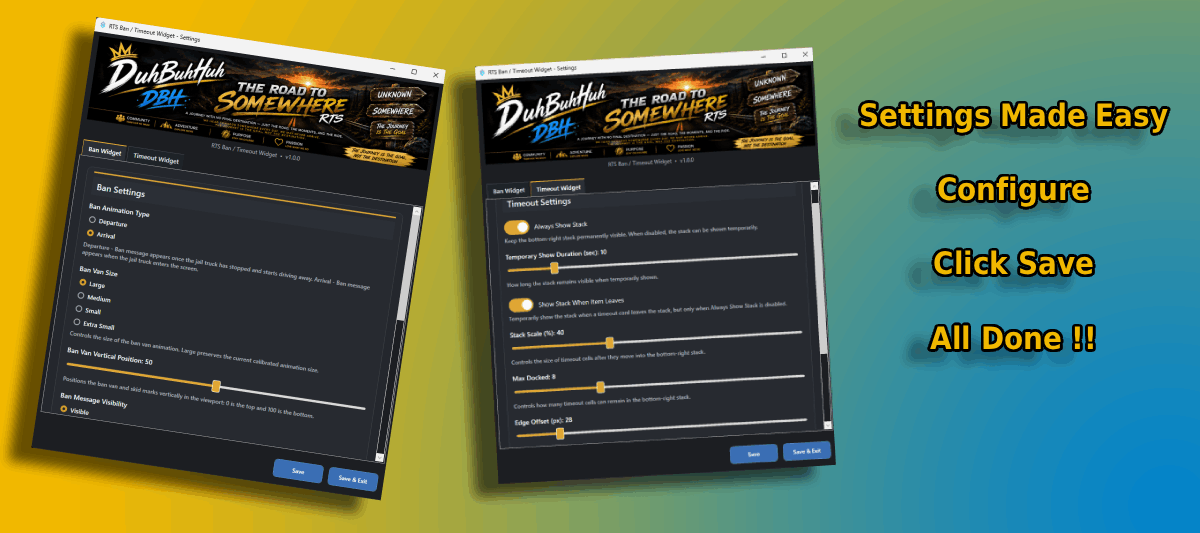
The Road to Somewhere UI DLL is shared infrastructure for our Streamer.bot extensions. Install it once and supported extensions can use the same settings experience without each product carrying its own copy.
Useful tools for OBS and the wider streaming workflow.
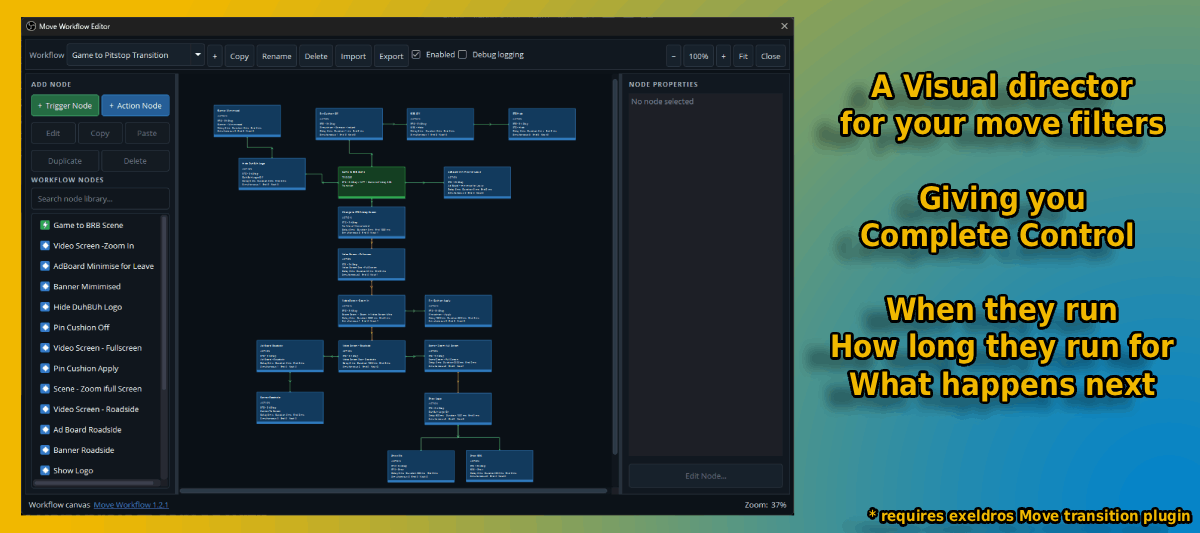
Orchestrate and Direct your Move Transition filters in OBS Studio. Using the Workflow canvas you can create complex workflows that control the movement of your scenes and filters in real-time.
RTS extensions are FFN - Free For Now. If you use the extensions a lot, enjoy having them on your stream, or simply want to support the time and work that goes into building and maintaining them, donations are always appreciated. There is never any obligation to donate - using and enjoying the extensions is already appreciated.\n\n What does FFN mean? We do not currently charge for our extensions; we rely on donations to keep us going, enabling us to convert our ideas into working extensions for you to use. We understand that streaming is a tough gig, especially when starting out, so we don't want to gatekeep our extensions through a paywall that a lot of people cannot afford. We hope that should you make it big or at a time when you can afford to, you would come back and drop a donation/tip, whatever you want to call it, to show your appreciation.